☰


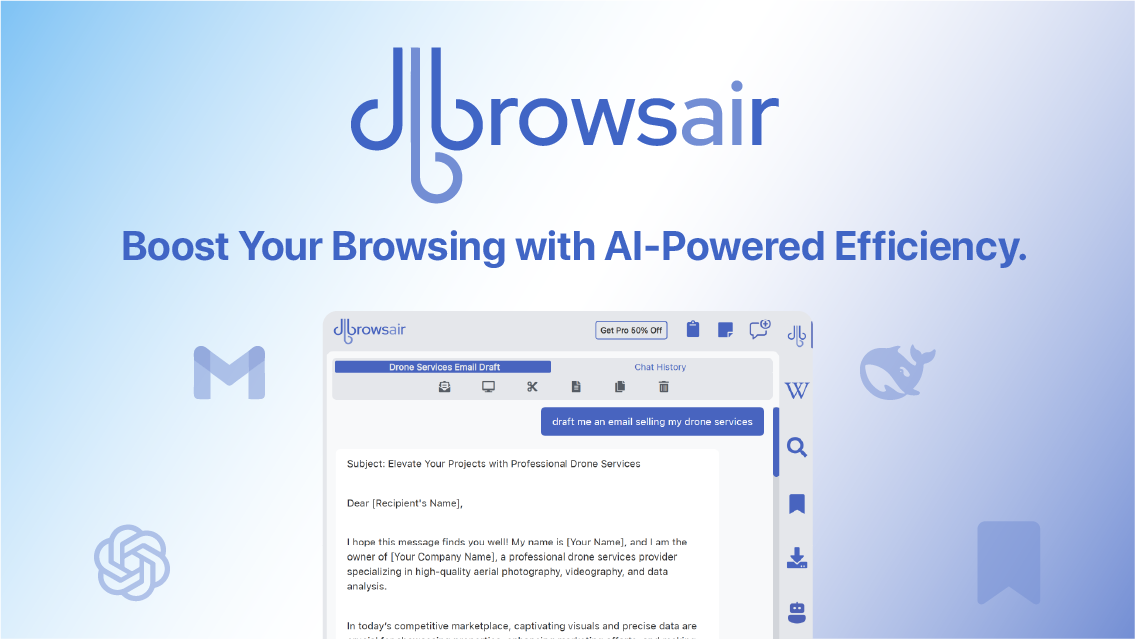
Built for productivity. AI-enhanced browsing that helps you work fast — and think less.
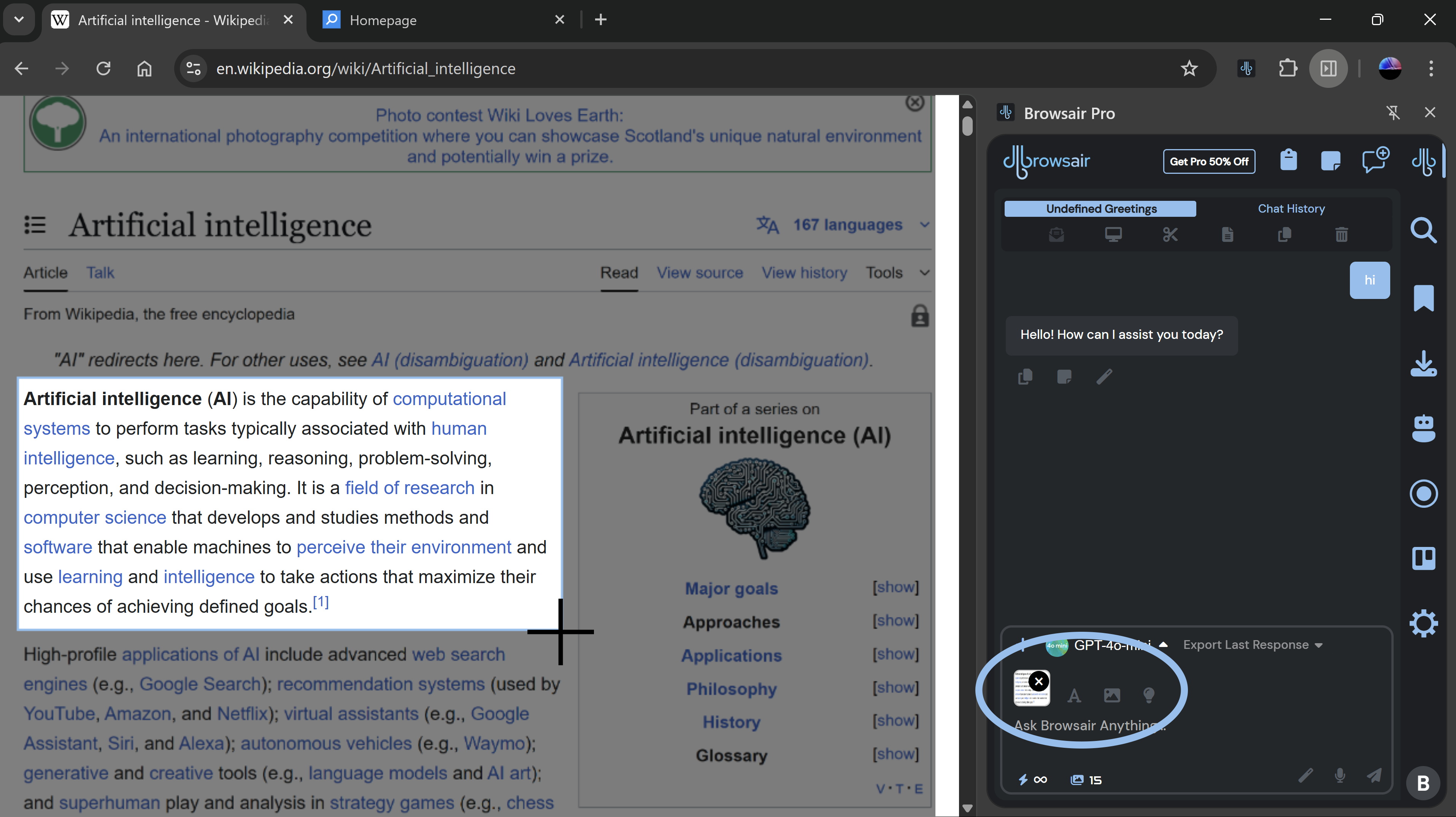
Easily snip any part of your screen—including images, text, and PDFs—and let AI do the rest. From Chat with image and instant OCR to intelligent summarisation and quiz solving, the Snip Tool turns your screenshots into actionable insight. Perfect for students, professionals, and creators.
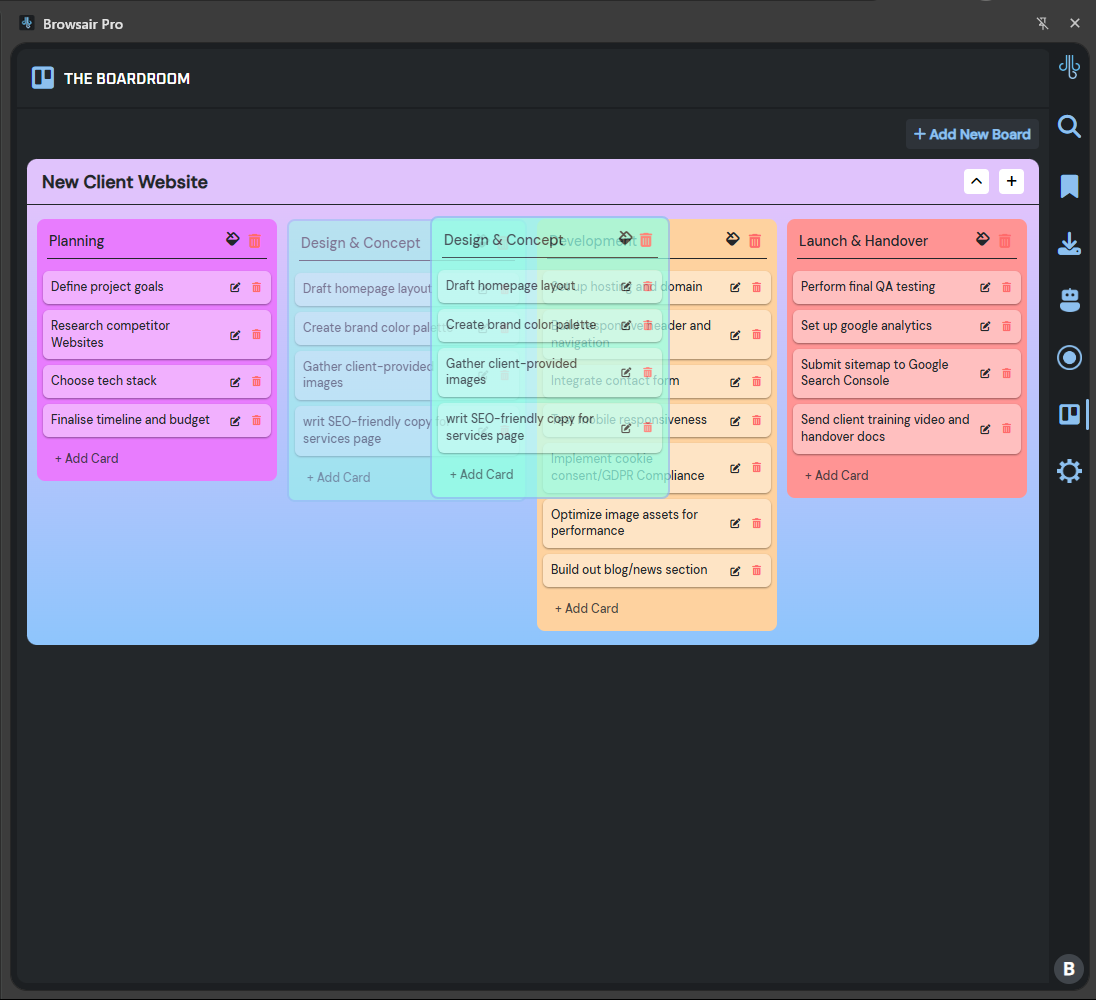
Boardroom gives you a powerful, drag-and-drop workspace to manage tasks, brainstorm ideas, and plan projects—your way. Create custom lists, track progress with cards, and stay focused with a clean, intuitive layout. You can also ask Browsair AI to make a board for based on a set of questions it asks.
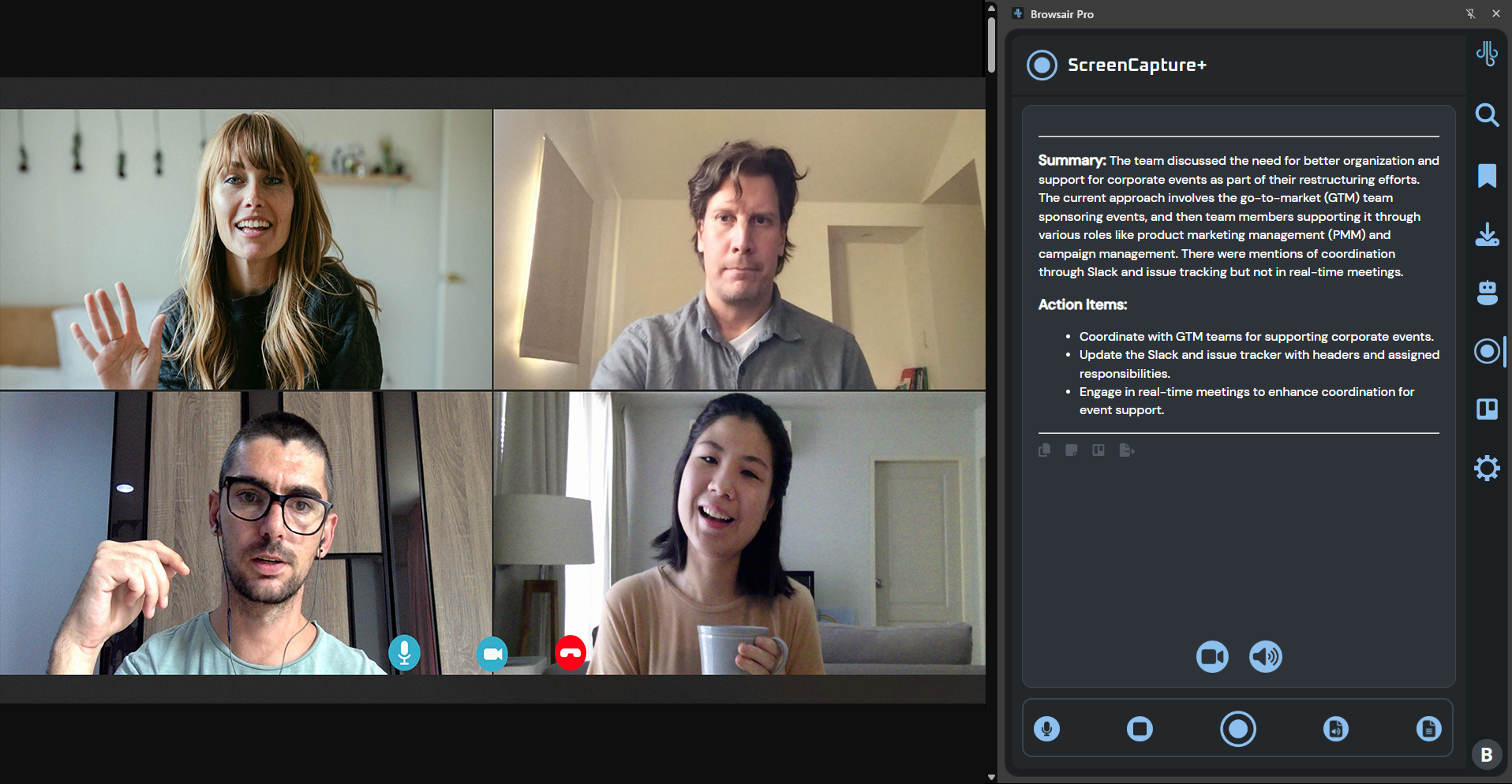
Effortlessly capture meetings, web videos, or any audio content directly from your browser. Once recorded, you can instantly transcribe or generate a concise summary of what was said — saving you time manually taking notes and boosting productivity. The quick actions allow you to save to notes, Make a board with the action items or export the summary do a google doc.
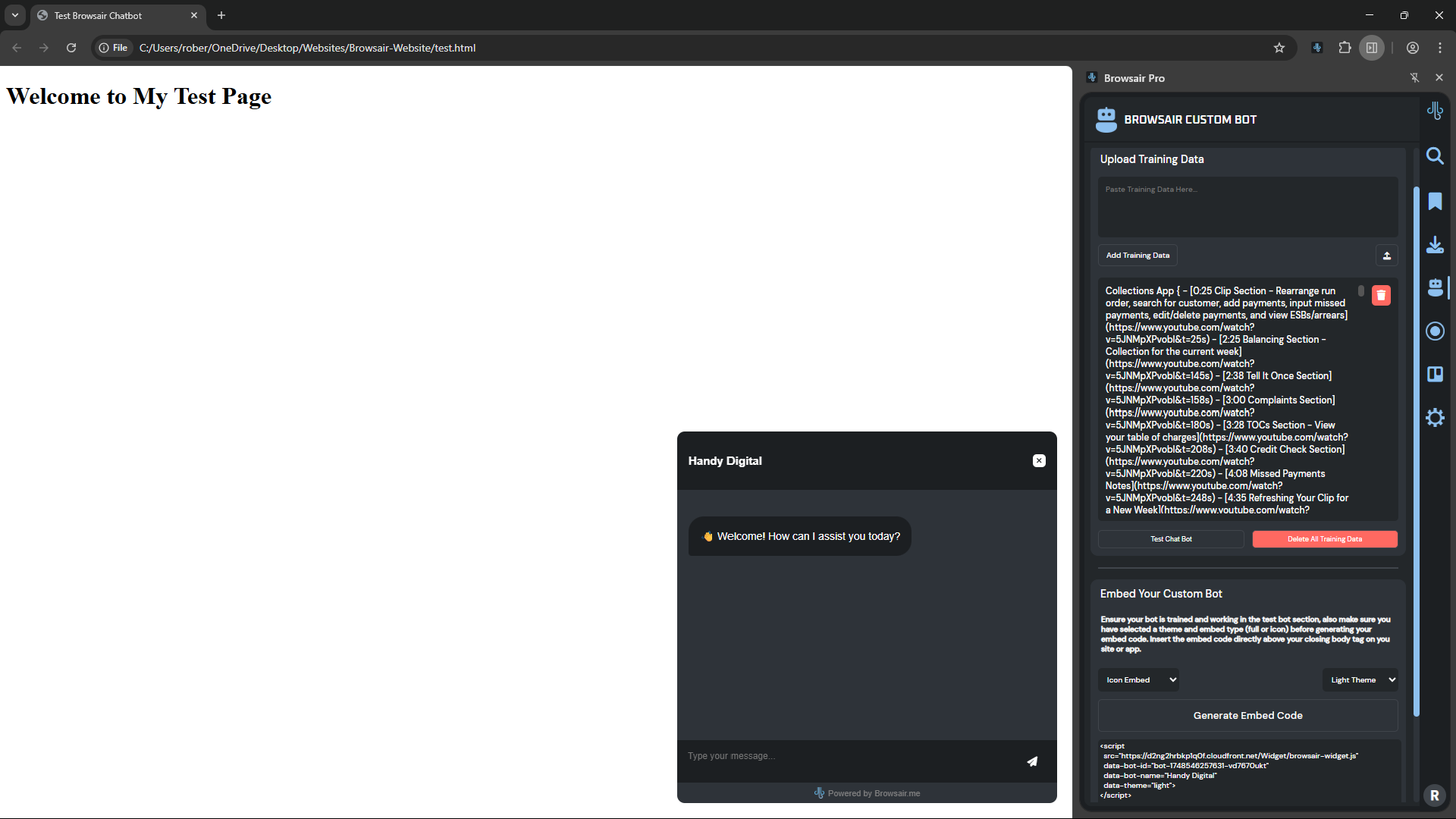
Build, Train and deploy your very own bots. Use them in Browsair or embed them on your website or in your CRM.
- Create up to 5 Custom bots.
- Include video links in your training data.
- Amend or add training data as and when needed
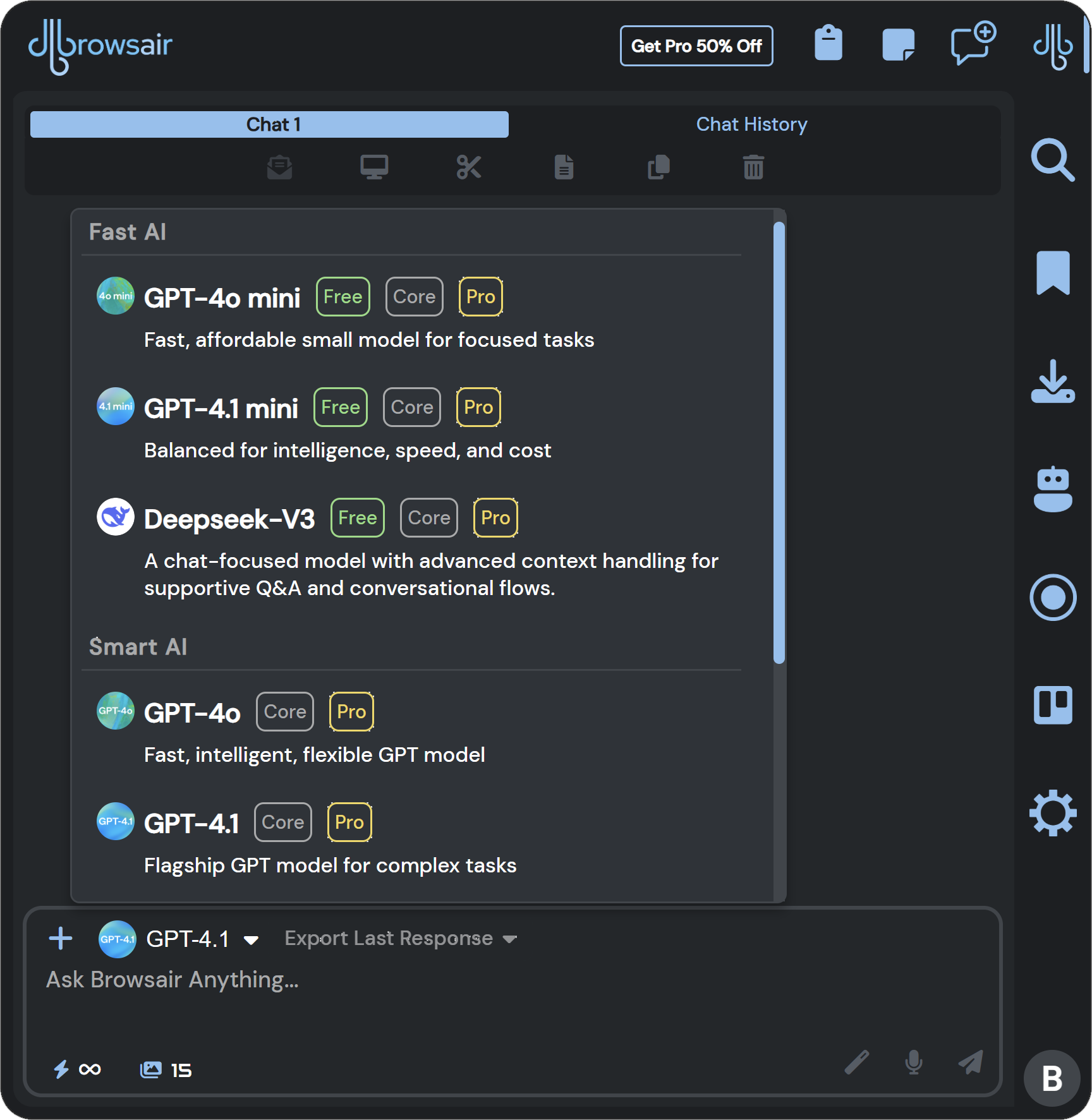
Experience the power of versatility by chatting with multiple AI models. Switch between different models to get responses tailored to your needs, whether you're looking for technical answers, creative ideas, expert insights or advanced reasoning.
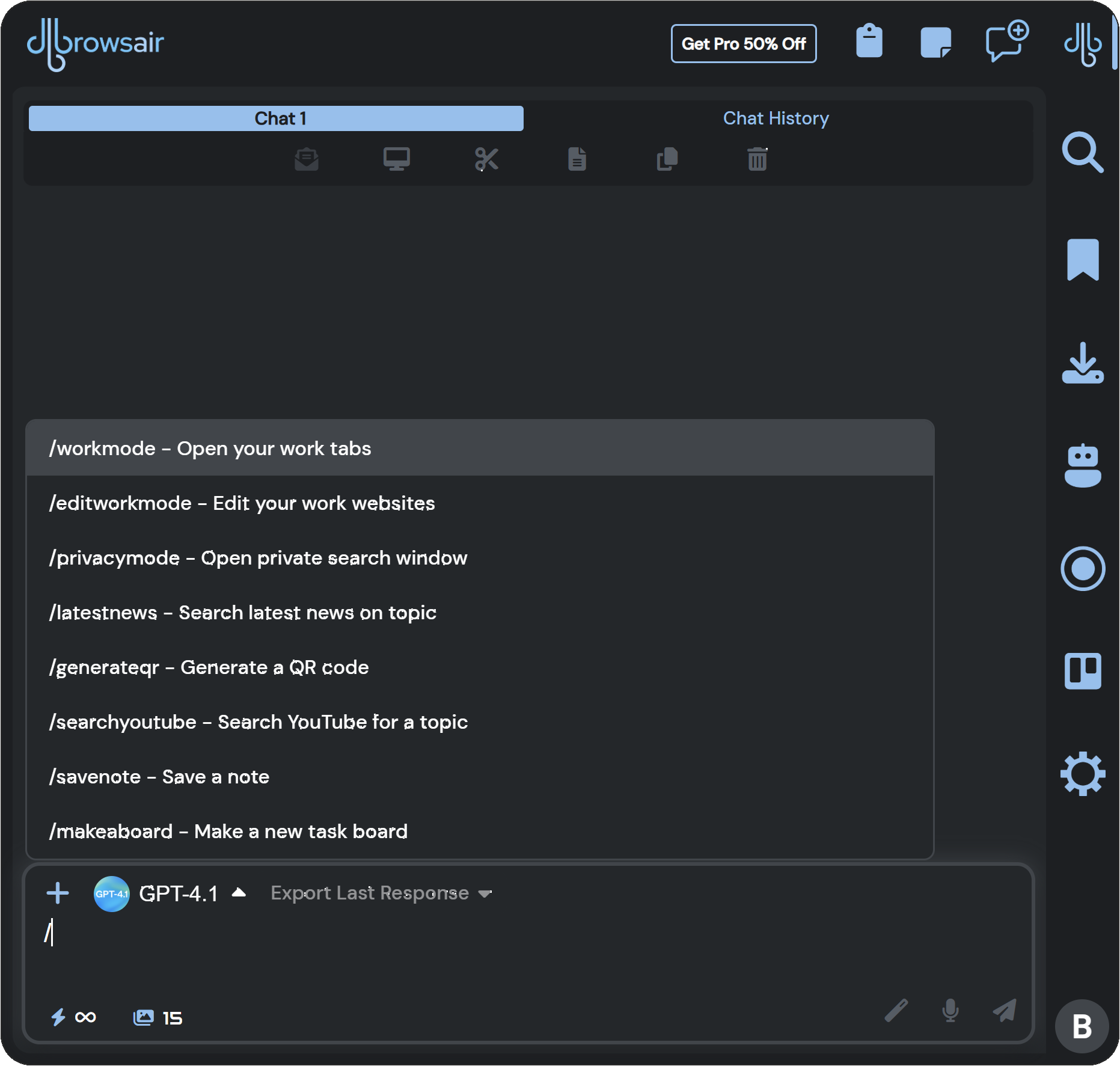
Streamline your tasks with our intuitive command feature. Choose from a range of commands like generating QR codes, searching YouTube, saving notes, making boards for The Boardroom, finding the latest news and switching to privacy or work mode. You can either manually type in a command or select it from a convenient dropdown for quick execution.
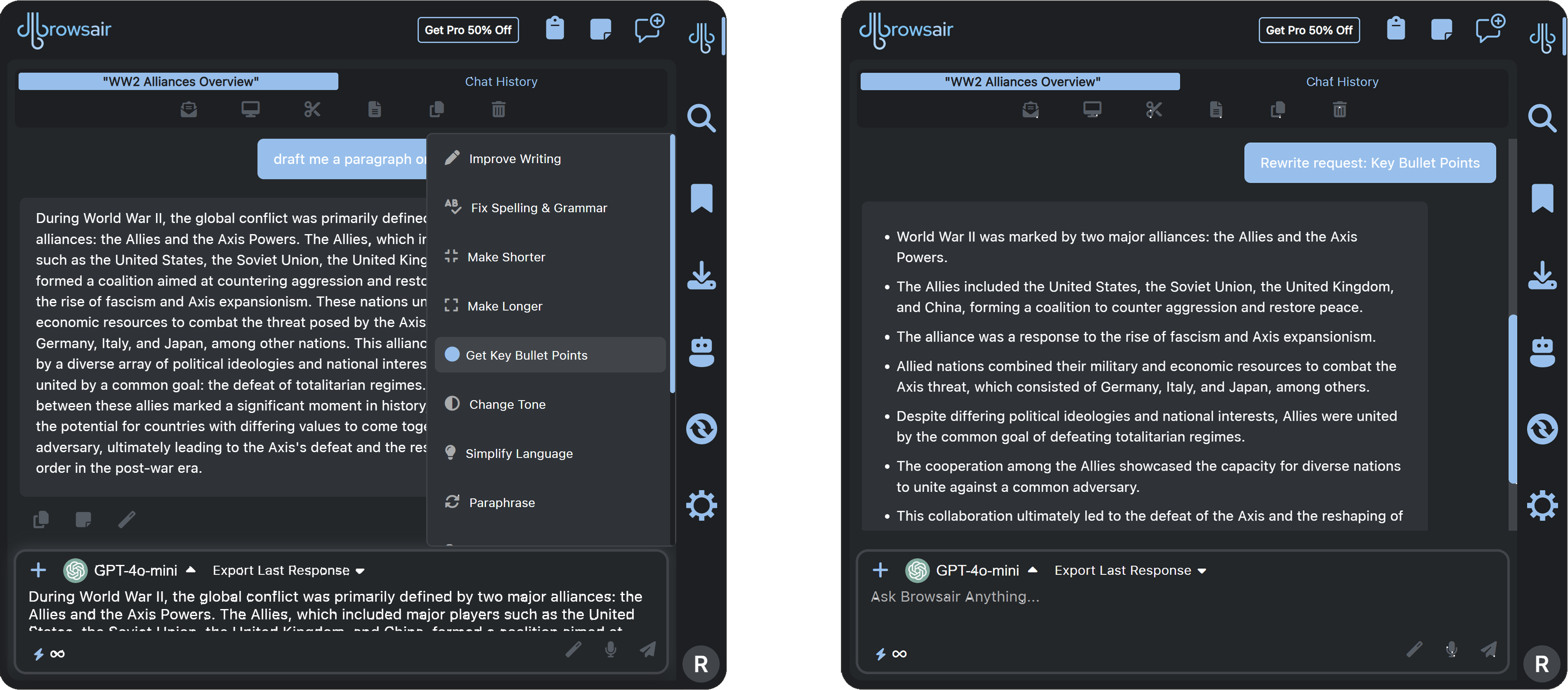
Transform your text with ease using our Rewrite feature. Whether you want to improve clarity, fix grammar, simplify language, shorten or expand content, or even create quizzes, our tool offers various options including paraphrasing, explaining, adding data to tables, and more. Perfect for tailoring your text to any need!
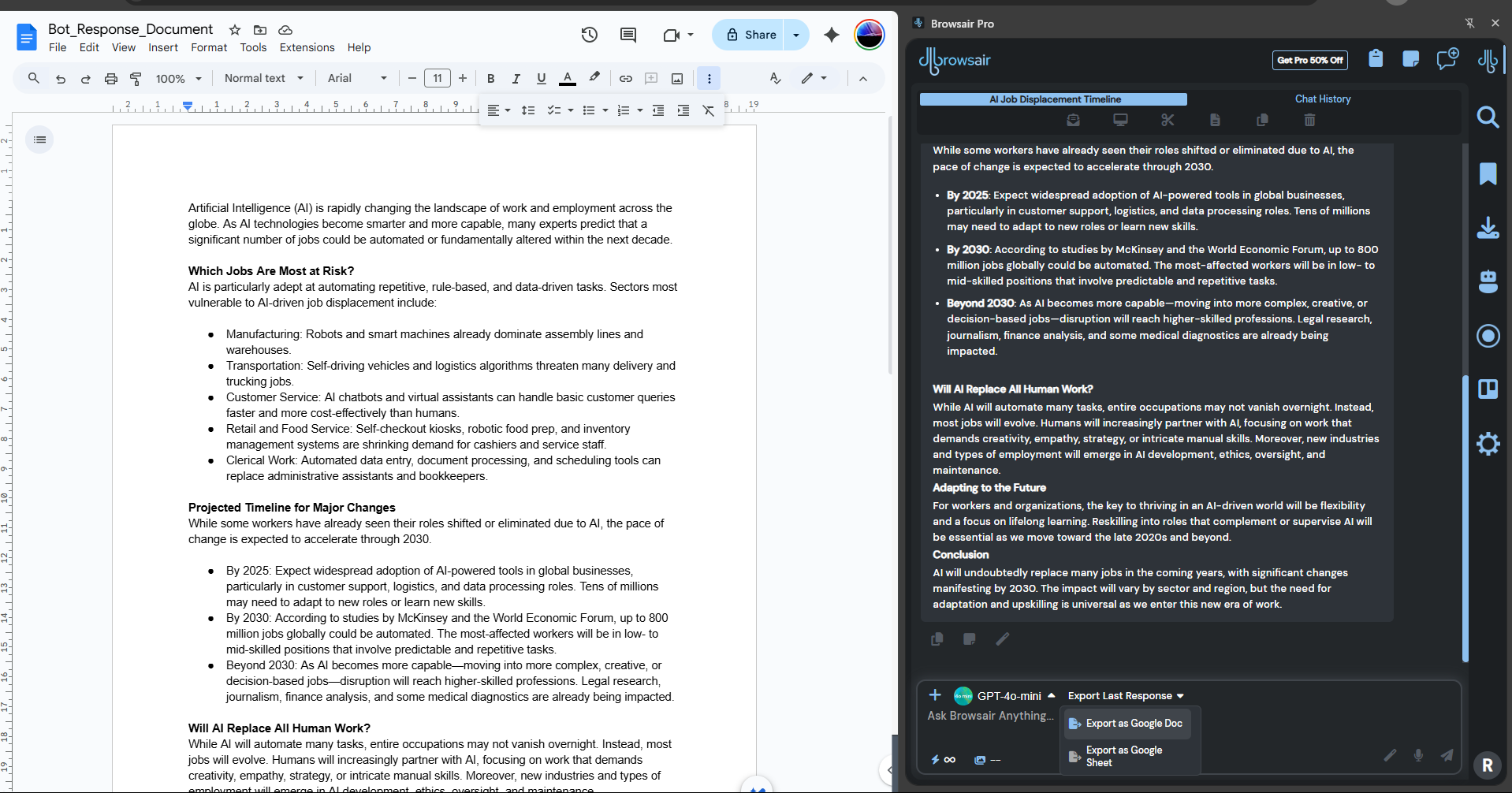
Save time and stay organized by exporting AI-generated responses directly into Google Docs or Sheets. With a single click, your content is transferred in a clean, editable format — perfect for reports, content drafts, data analysis, or collaborative projects in your Google Workspace.
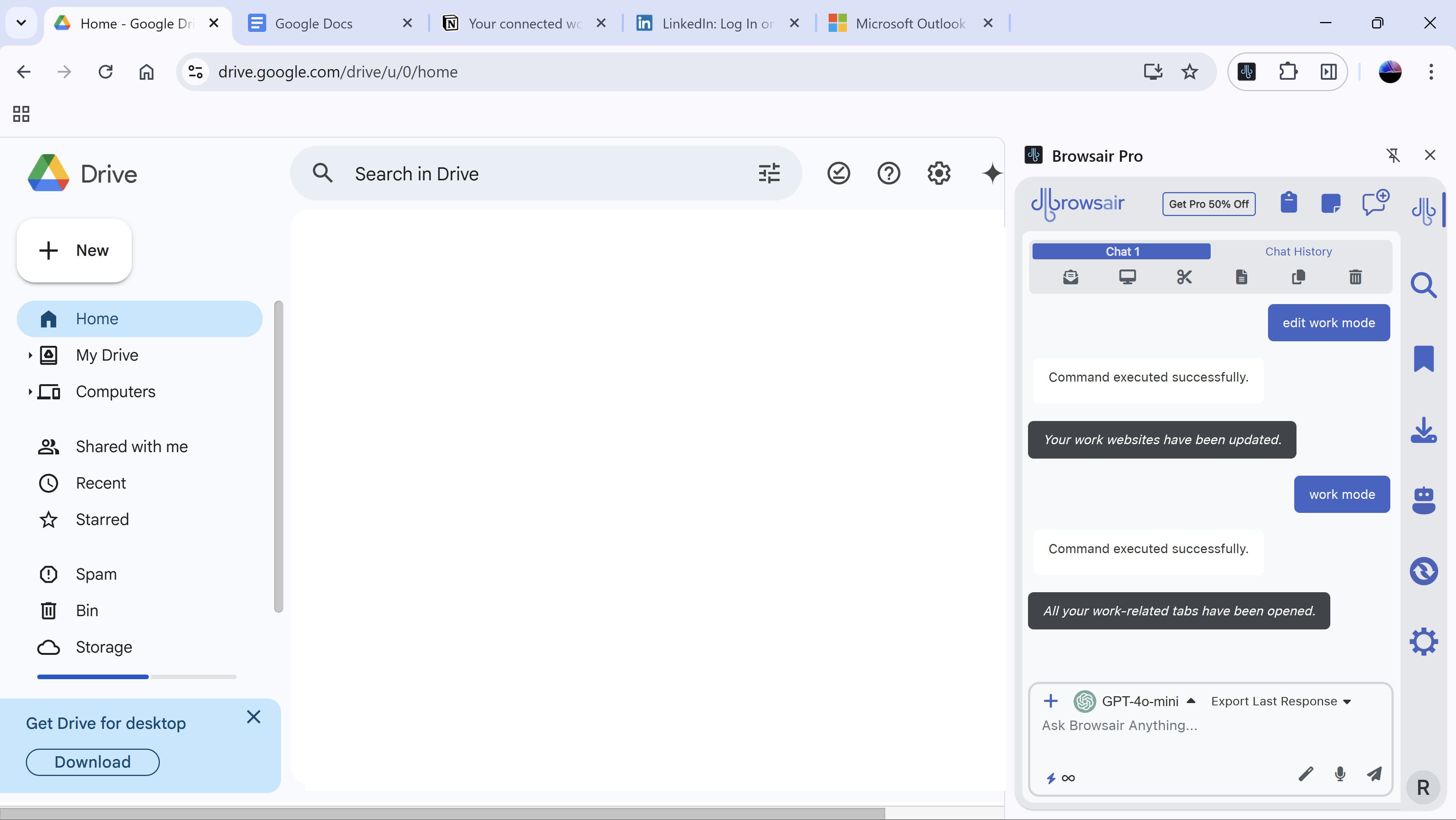
The first time you select “work mode” from the commands list, you'll be prompted to set up your preferred work websites. Simply enter the sites you use daily, and Browsair will remember them for future sessions. Need to make changes? Just select “edit work websites” to update your list at any time.
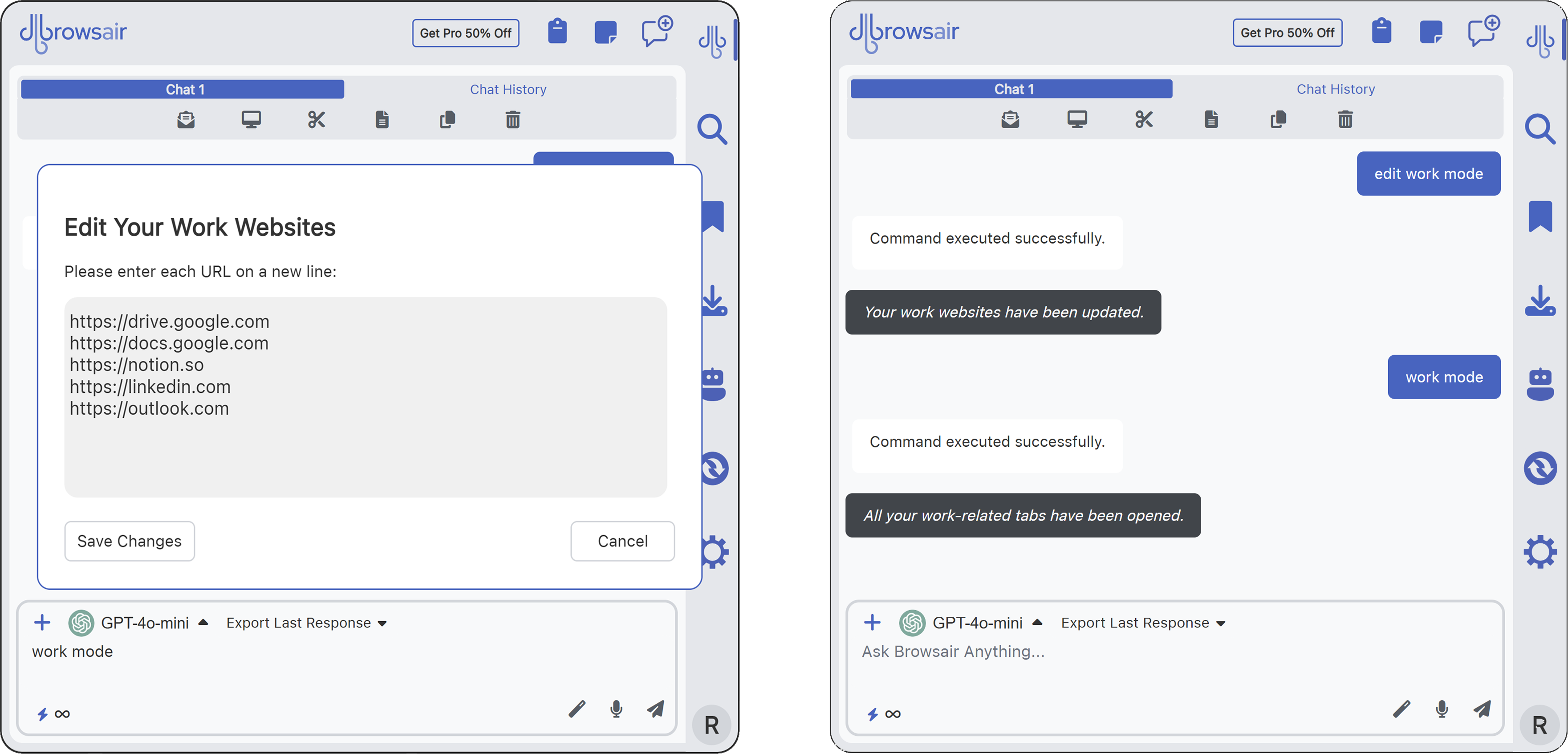
From that point on, Browsair becomes your personal launchpad. Just type “work mode” and all your chosen work tabs open at once — right in your browser, just how you left them. It’s like flipping a productivity switch. No more wasting time reopening the same sites every day — your routine is now a command away.